Two people, one desk.
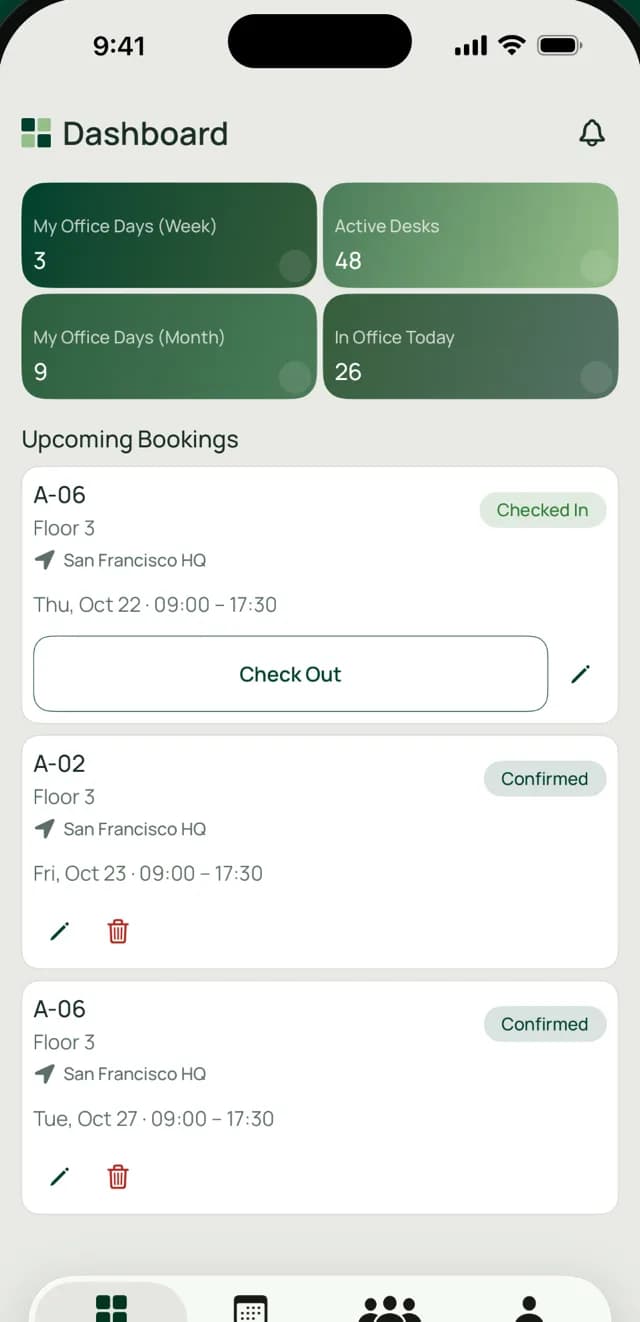
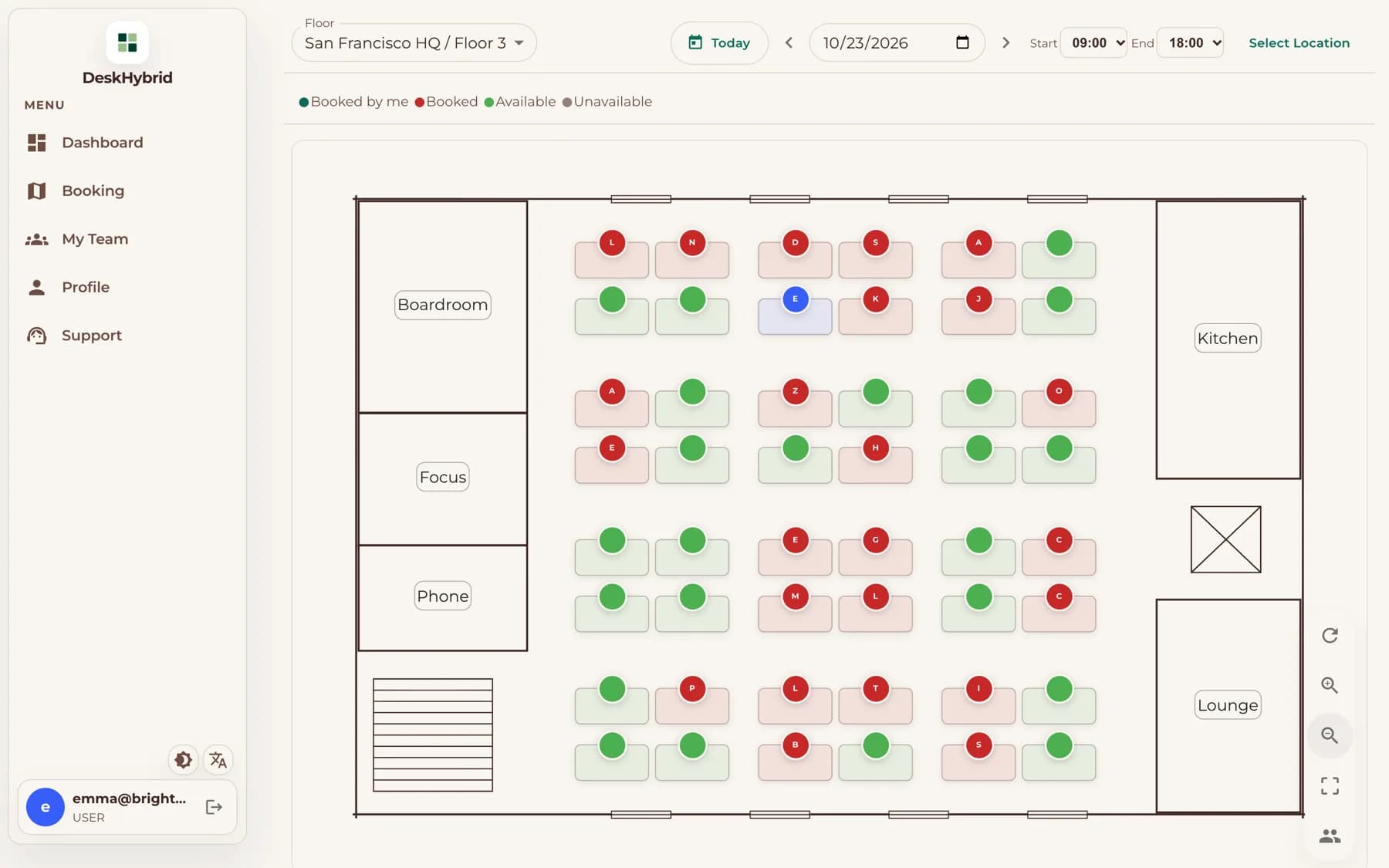
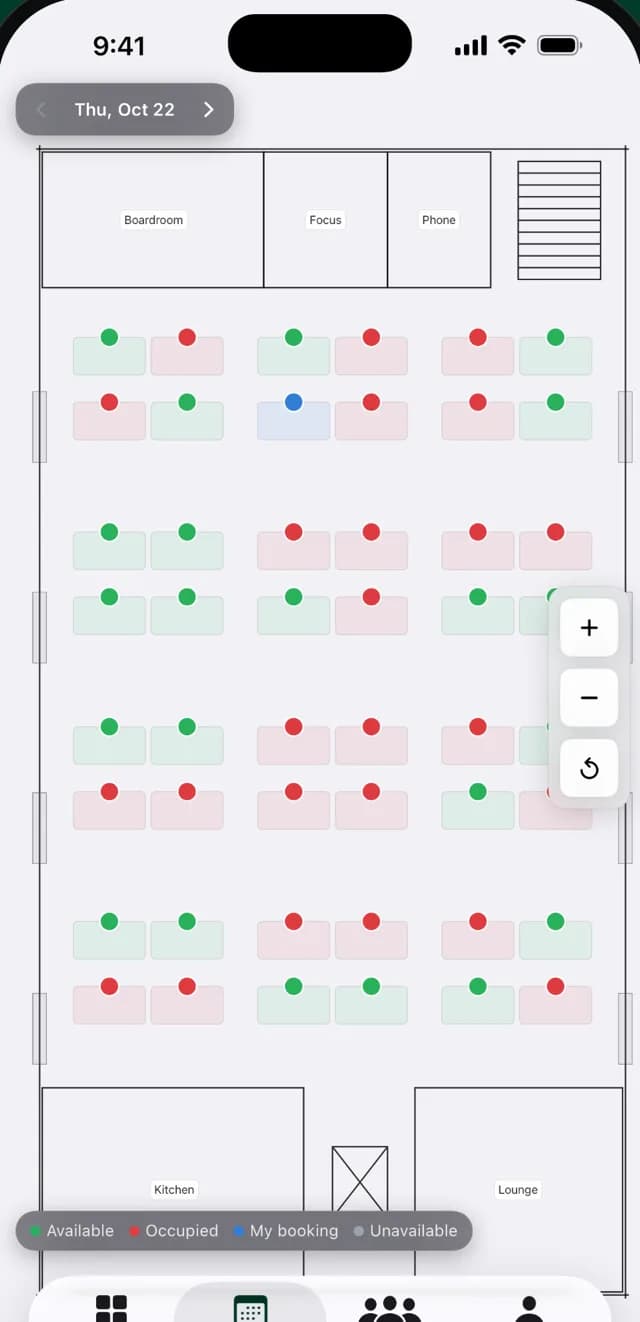
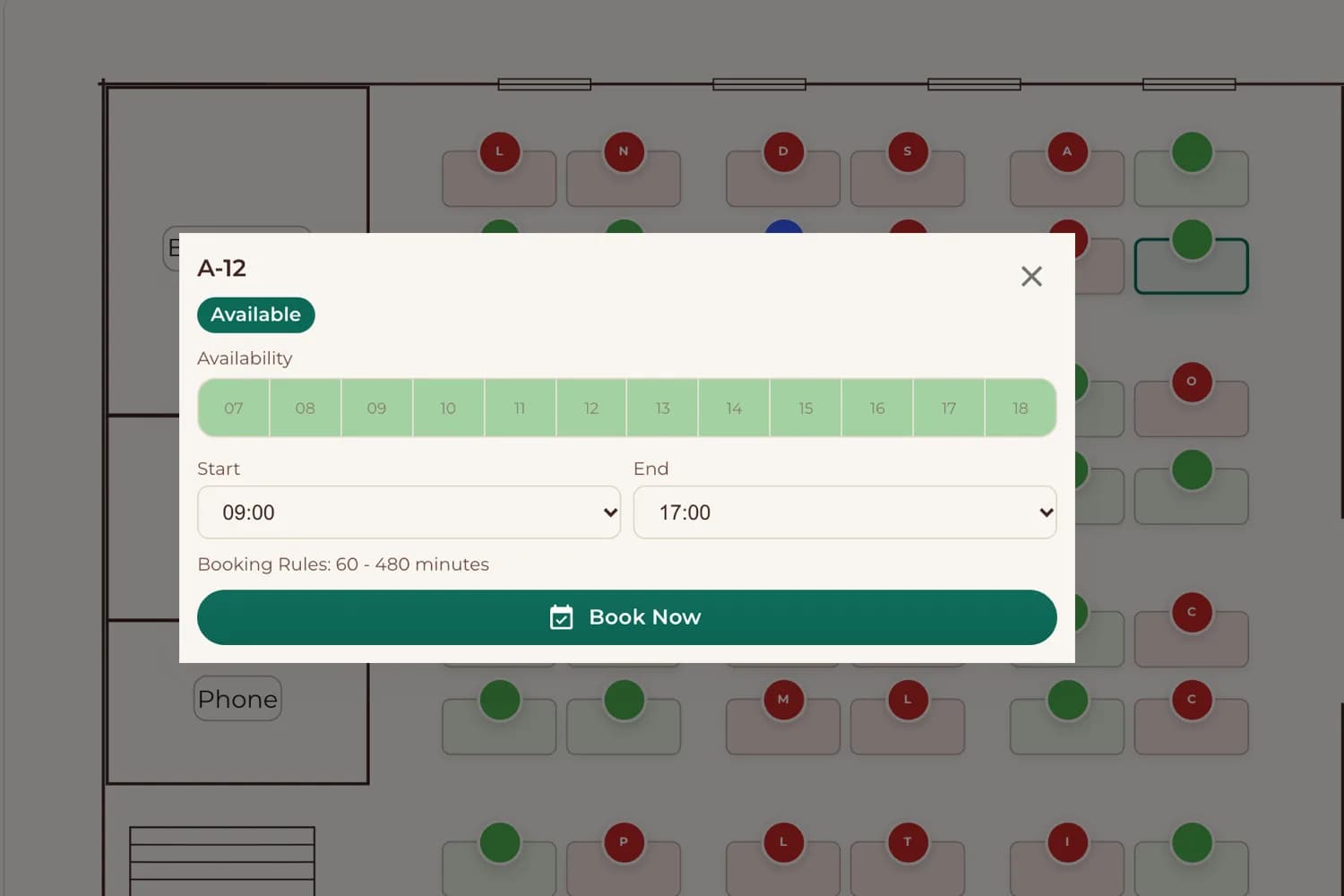
Everyone books on the same live floor plan, so a desk can't be booked twice for the same time.
Desk booking software for hybrid offices
For hybrid offices with more people than desks. Employees book on your floor plan from the web, Android, iOS, Slack or Teams, check in with a QR scan, and shared desks nobody claims free up automatically.
In daily use at an enterprise office in Europe.
In daily use at an enterprise office in Europe.
Works with
 Slack
Slack Microsoft Teams
 Google Calendar
 Outlook
Why desk sharing breaks
And what DeskHybrid does about each one.
Everyone books on the same live floor plan, so a desk can't be booked twice for the same time.
A QR check-in at the desk confirms the person actually arrived.
If no one checks in, the desk is released automatically and someone else can book it.
How it works
You can set everything up yourself during the trial. No consultants, no hardware.
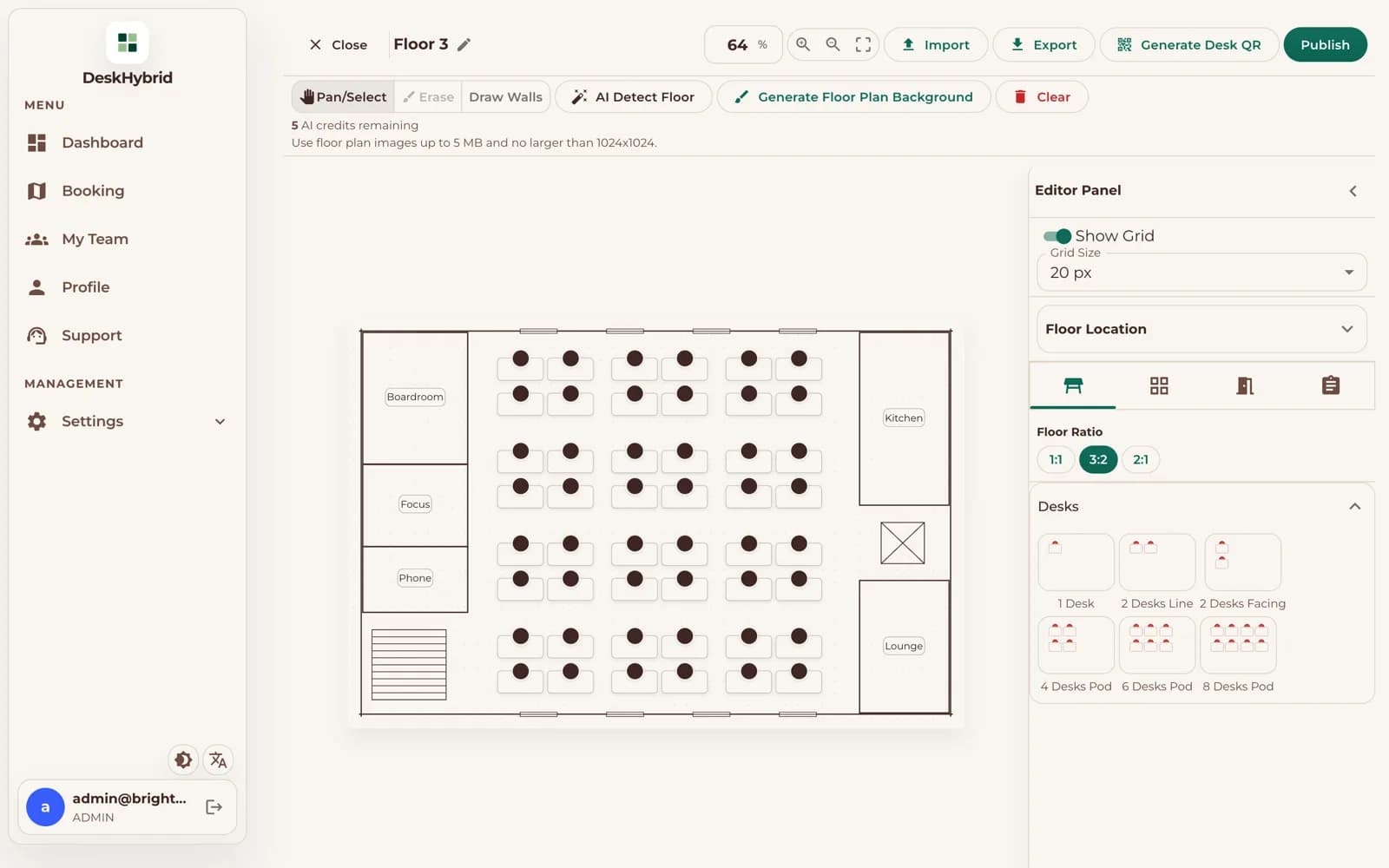
Upload a floor-plan image and AI Detect Layout drafts the desks for you, or draw them in the floor editor. Then print a QR code for each desk.
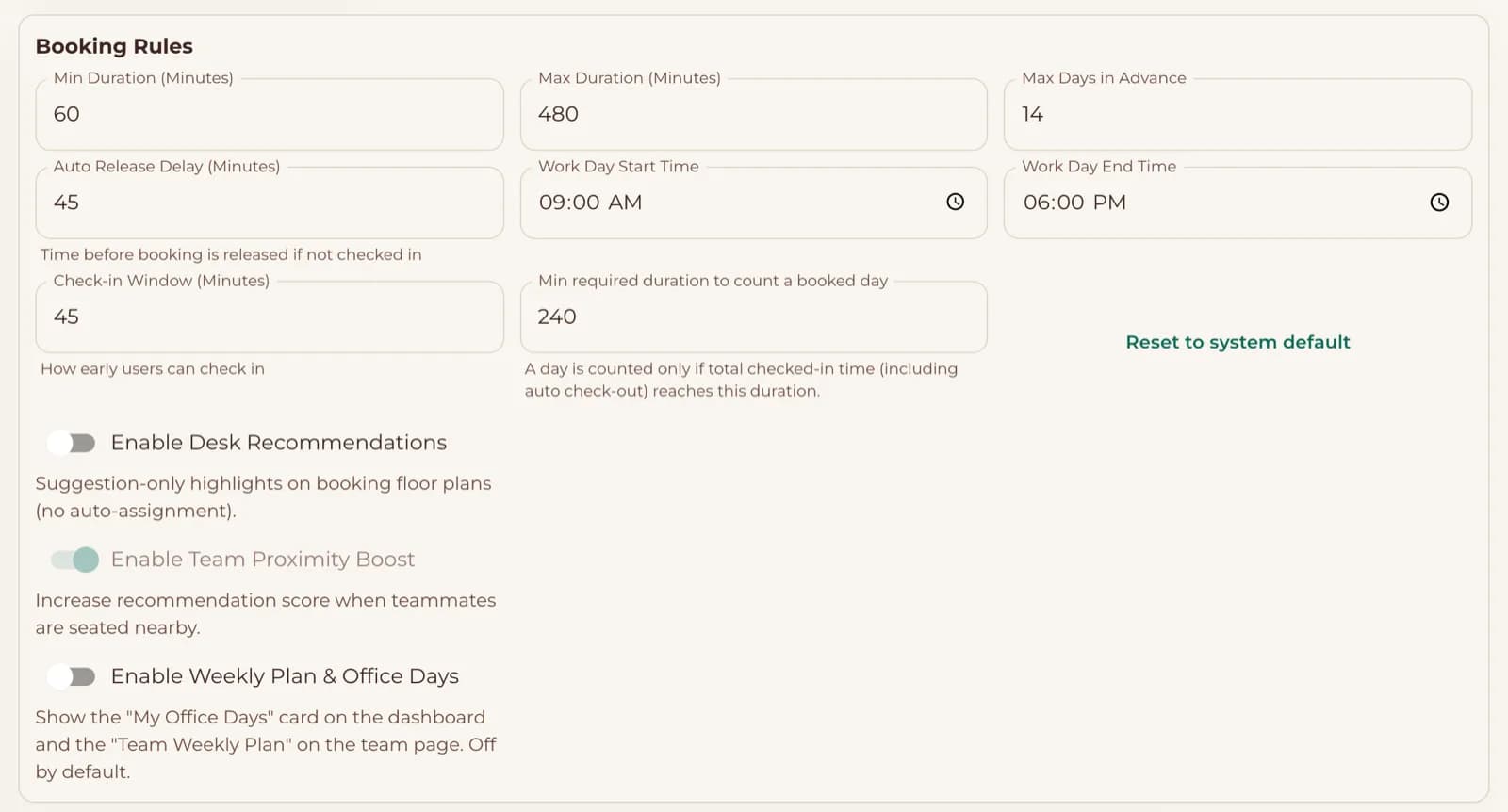 Released after 45 min
Choose how far ahead people can book, how long a booking can last, and how long a desk waits for check-in before it's released.
People sign in with Microsoft single sign-on or email, book from the app, Slack or Teams, and scan the desk's QR code when they arrive. No-shows free up on their own.
For employees
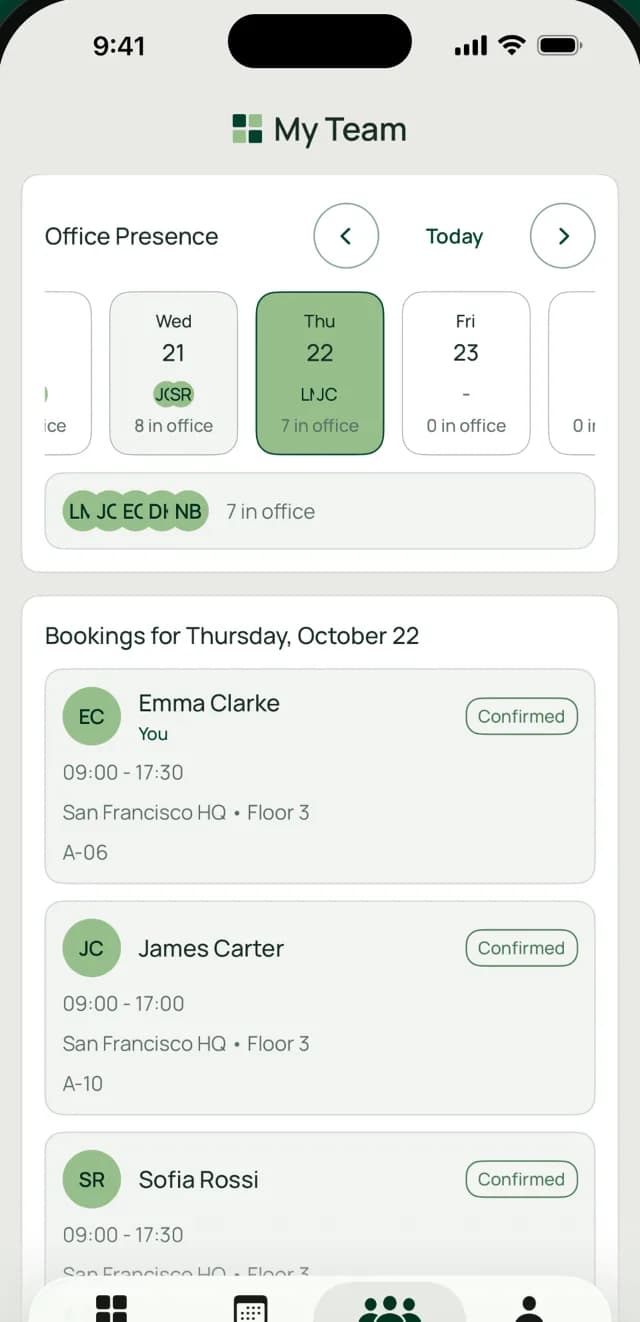
Pick a desk on the floor plan, see which colleagues are in that day, and you're done.
For office managers
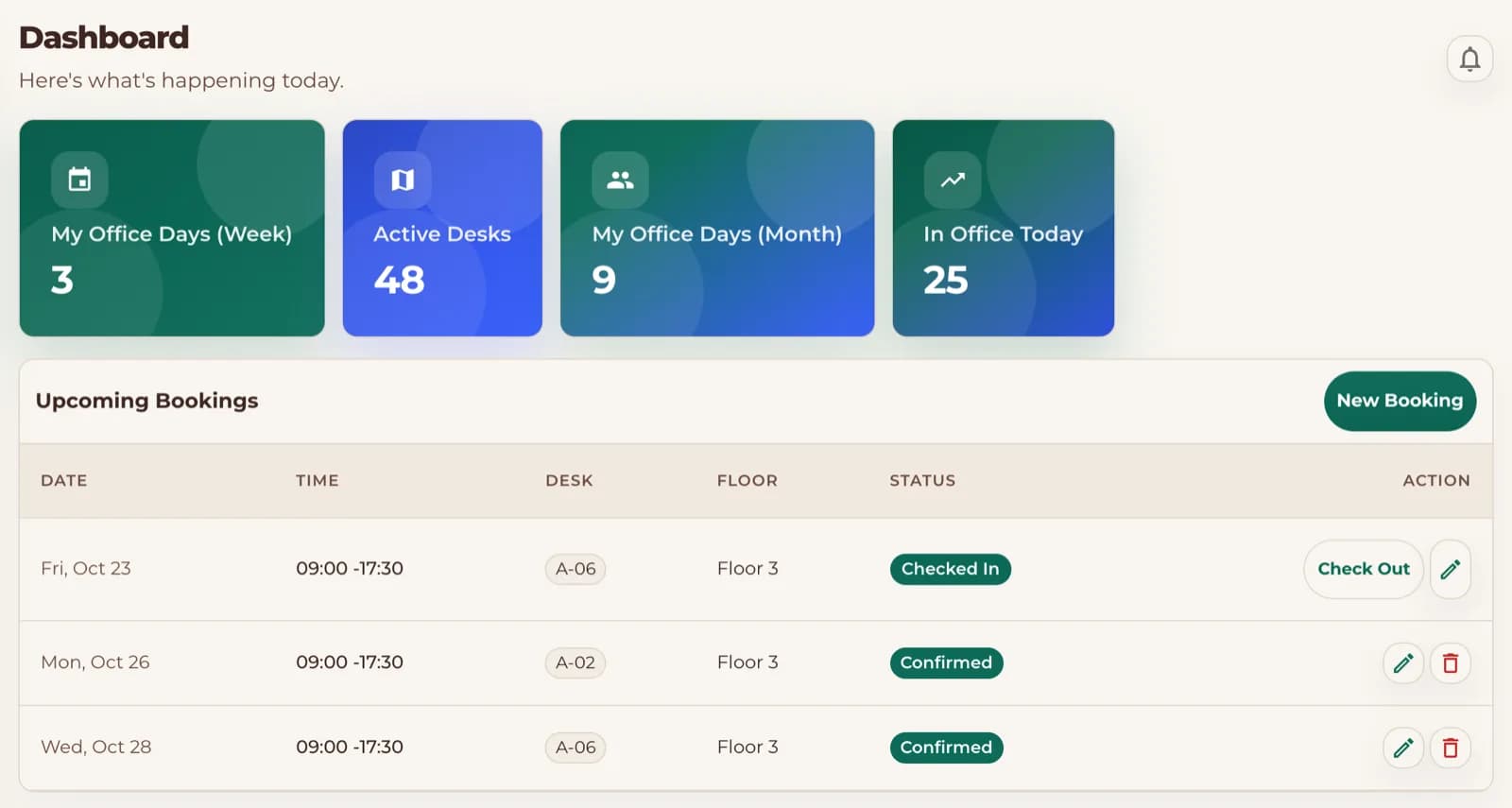
Every desk gets a QR code. Scanning it checks the person in, so your numbers are based on arrivals, not intentions.
Location is read only at the moment of check-in, never in the background. Location checks are optional per workspace.
Intelligent Automation
No more reminding people to cancel or walking the floor to find empty desks. The rules you set run on their own.
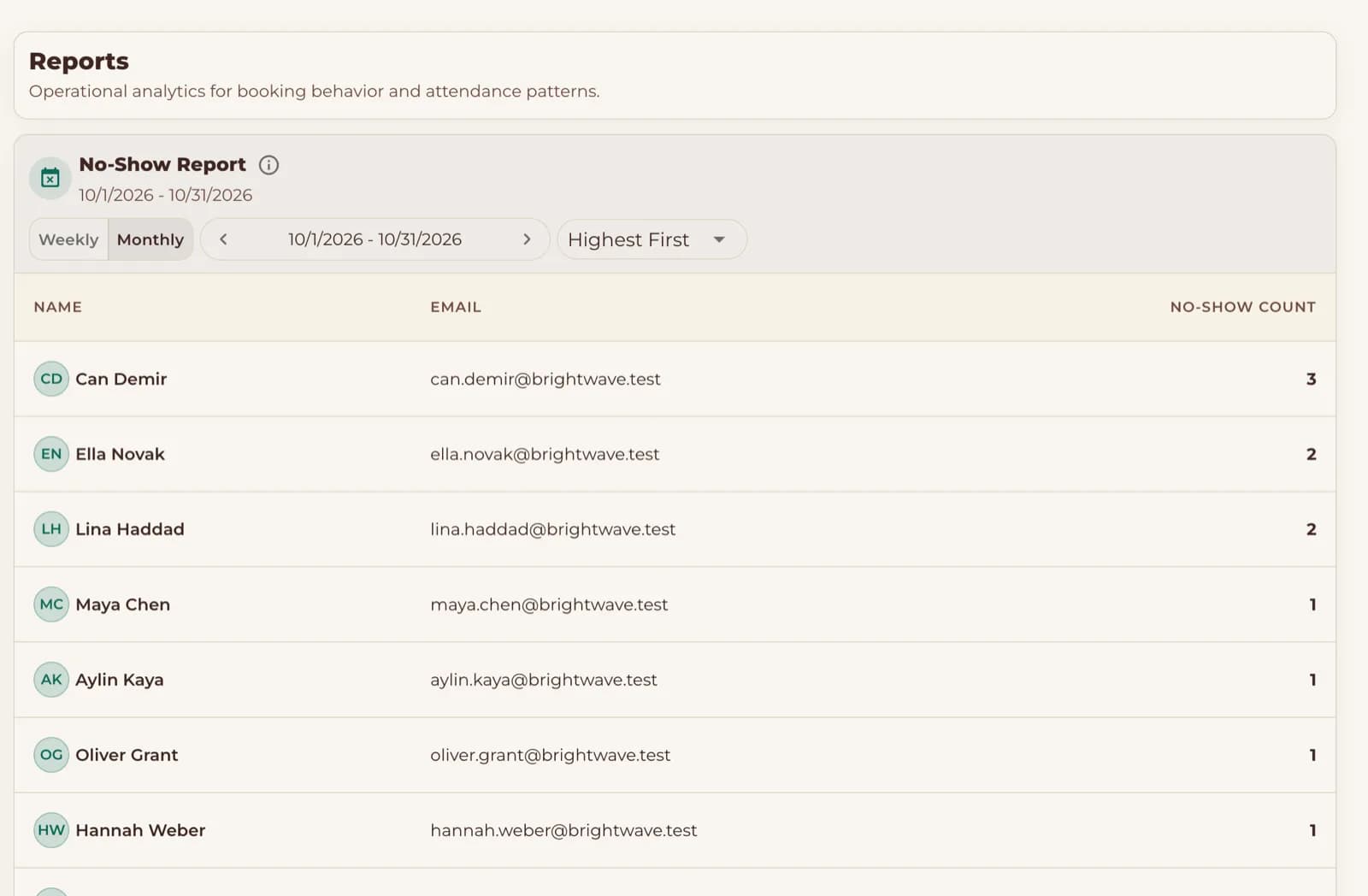
Reports and control
Because bookings are confirmed by check-in, your reports show real attendance, not just plans.
Security and privacy
What we do, what we store, and how billing works, in plain terms.
Employees sign in with their Microsoft work account (Microsoft Entra ID), or with email and password.
Owners, admins, team managers and employees each see only what their role allows.
Location is checked only at check-in. Employees can delete their own account. Questions go to [email protected].
DeskHybrid runs on servers in Germany. All traffic is encrypted in transit with TLS, and backups are encrypted and stored in the EU.
Paddle is our Merchant of Record. It issues compliant invoices and handles VAT and sales tax.
On the App Store and Google Play.

FAQ
No. Every workspace starts with a 14-day free trial with every feature. You only add payment details if you decide to keep DeskHybrid.
When your trial ends, your workspace is paused, not deleted. Subscribe any time to continue where you left off, or ask us to delete your data.
It's self-serve. Upload or draw your floor, set your booking rules, print the desk QR codes and invite your team. Need a hand? Email [email protected].
No. Location is read only at the moment of check-in, never in the background. Location checks are optional per workspace, and only workspaces that turn them on use them, to confirm someone is at the office.
Yes. People can book and see who's in from Slack or Microsoft Teams, and bookings sync to Google Calendar or Outlook.
Yes, with Microsoft Entra ID, so people sign in with their Microsoft work account. They can also sign in with email and password.
Available on Web, Android, and iOS, plus Slack and Microsoft Teams.
We focus on desks. Meeting room booking, multiple booking policies per workspace and SCIM user provisioning aren't available yet.
Yes. There's no contract. Cancellation takes effect at the end of the current billing period, and you keep access until then.
Set up a floor, invite a few colleagues and see real check-ins within your 14-day trial. No credit card required.
No credit card required
Start free trial